
Releasing pretalx v2025.2.0
Nov. 30, 2025We're happy to present pretalx v2025.2.0!
As always, users of pretalx.com don't need to take any action – you're always using the latest pretalx version. Administrators of self-hosted instances and developers of pretalx customizations and plugins should check the detailed release notes for any relevant changes.
Thanks go to the pretalx community for their contributions to this release: Florian Moesch for continued work on organizer area improvements and plugin interfaces, Niklas Mertsch for accessibility fixes, and everyone who reported issues and suggested improvements.
Detailled change history
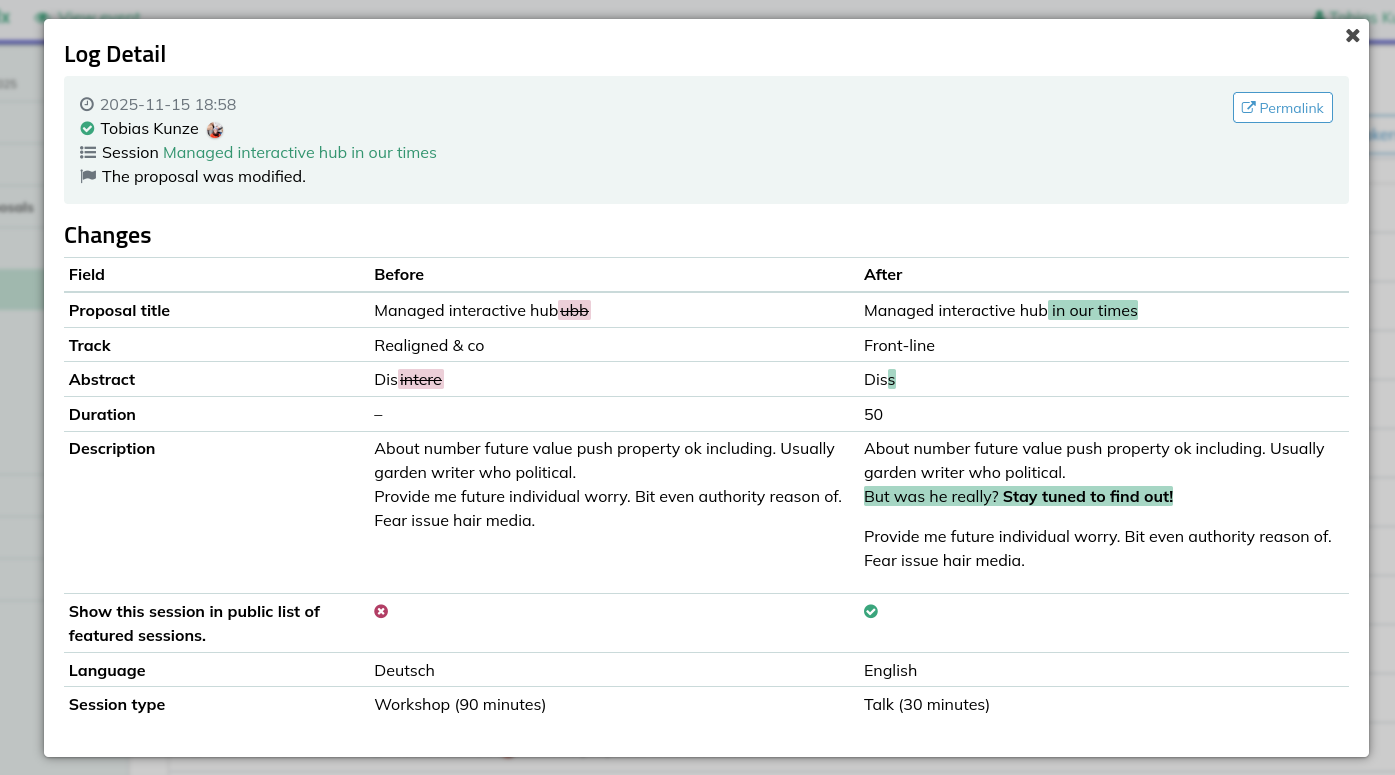
pretalx is now tracking changes to sessions, speakers, and most other information in more detail. Where you only saw the information that something was changed in your event change history, you can now look up the details of the change. The new change details include support for custom fields and for Markdown/HTML markup.
Social Media Icons for Custom Fields
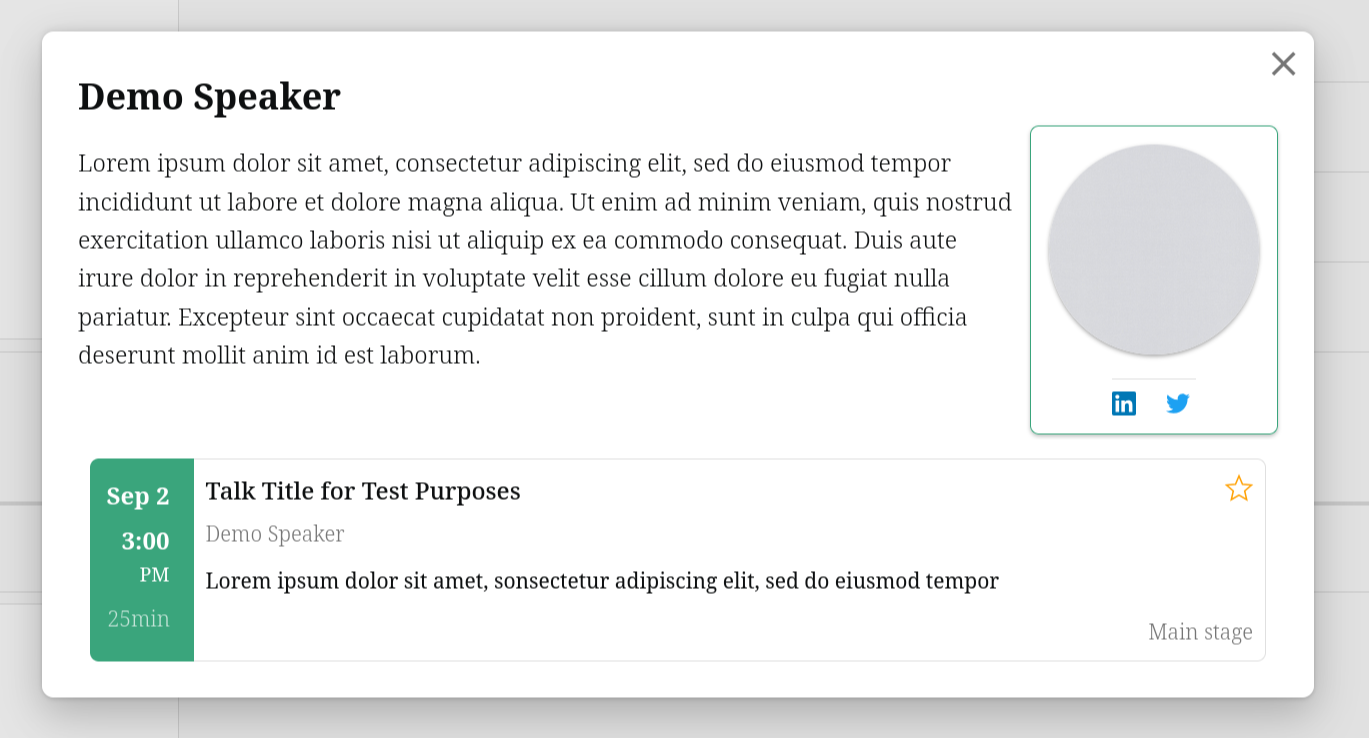
Custom URL fields can now display as linked icons instead of plain text. Configure fields for GitHub, LinkedIn, Twitter, Mastodon, YouTube, Discord, Instagram, and more – they'll show up as proper icons on session and speaker pages. Much easier for attendees to follow these links to connect! If you find yourself missing a platform in our list of possible icons, please let us know and we’ll be happy to add it.
Unreleased Changes Indicator
Ever released a schedule, made some tweaks, then forgot to make those changes public? The sidebar now shows an indicator when you have unpublished changes in your work-in-progress schedule version. One less thing to keep in your head while juggling a hundred other conference details.
Auto-Updating Schedule Widget
The embedded schedule widget now automatically refreshes when you release schedule updates. Your attendees see current information without needing to remember to refresh their schedule browser tab, allowing you to update your schedule during the event without having to worry about the updates getting seen.
Speaker Editing Control
You can now stop speakers from editing their proposals at any point in time – not just during the review process, but also once they have been accepted and after they have confirmed their attendance. For events that need strict control over proposal content, this removes the danger of speakers editing their session too late in the process, e.g. by changing their session title when the programme booklets were already sent to the printer.
Condensed Schedule Editor
Managing an event with a dozen parallel tracks? The schedule editor now has a condensed display mode that fits more than three rooms on screen at once. Your horizontal scrollbar will thank you.
Other Features
As per usual, there are also a lot of smaller quality-of-life improvements:
- Add tags to sessions in bulk instead of one-by-one
- Copy breaks to all rooms at once in the schedule editor
- Resources (uploads or links) can now be set to be private so that only organisers can see them
- Configure an optional CfP opening date to stop eager speakers from submitting before you're ready
- We now provide shortcut links (
/redirect/<code>) for quick navigation to sessions - Leave internal notes on speaker profiles and access codes
- Featured sessions now get their own detail pages
- Schedule widget includes full speaker biographies
- Korean and Bulgarian community translations
Upcoming
With the major API overhaul behind us, we're focusing on organizer workflow improvements and expanding documentation. The user guide continues to grow, and we're working through community pull requests that add new plugin capabilities. Our biggest upcoming plans are support for different speaker name schemes (e.g. firstname-lastname, support for titles, and more), and the introduction of speaker roles later in 2026.
To get updates on pretalx, follow us on Mastodon, LinkedIn, or Twitter. If you'd like to contribute or commission features, get in touch.


